Budget Friendly VR Gaming Basics for Wheelchair Users 2026
Finding budget friendly vr gaming basics for wheelchair users can feel incredibly frustrating when most setups assume you have unlimited space and deep pockets. I spent months trying to figure out which headsets actually work while seated without blowing my savings. You do not need a massive empty room or thousands of dollars to swing virtual swords. A good accessible setup just takes smart choices.
Pick a Standalone Headset Over PC Systems
Buying a dedicated PC system plus a wired headset destroys a tight budget immediately. Standalone headsets operate completely on their own without requiring expensive external computer hardware. The Meta Quest 2 stands as the best starting point because you can grab refurbished models for a fraction of the retail price.
This choice gives you high quality tracking without tripping over thick cables or smashing your hands into a desk. Standalone units track your physical hands using built in cameras. You simply strap the device on your head and start playing immediately. One massive mistake beginners make involves ignoring the sheer weight of the front display.
A heavy device pulls your neck forward during long gaming sessions. Look for a cheap third party halo strap online to balance the weight evenly across your forehead. This simple upgrade saves you from massive headaches and costs very little.
Adjust Your Boundary Settings for Seated Play
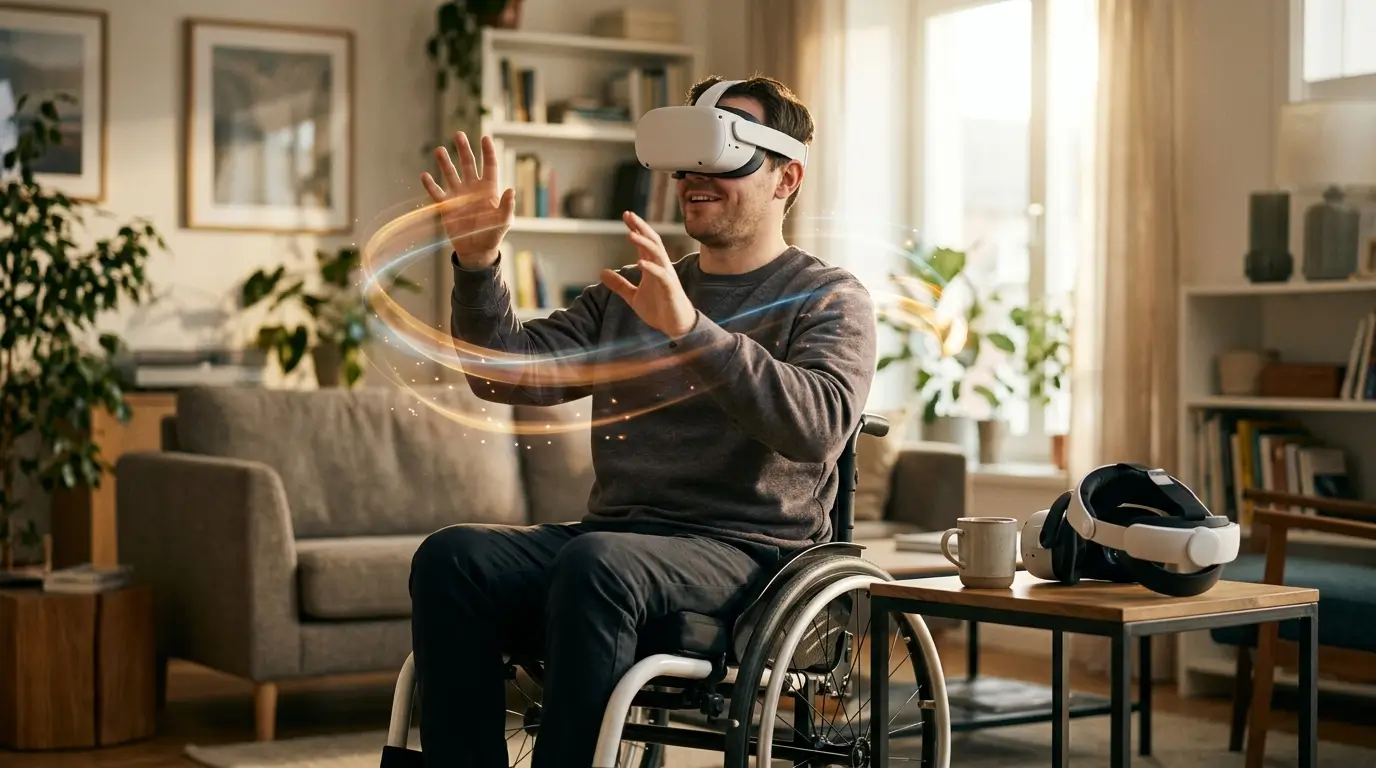
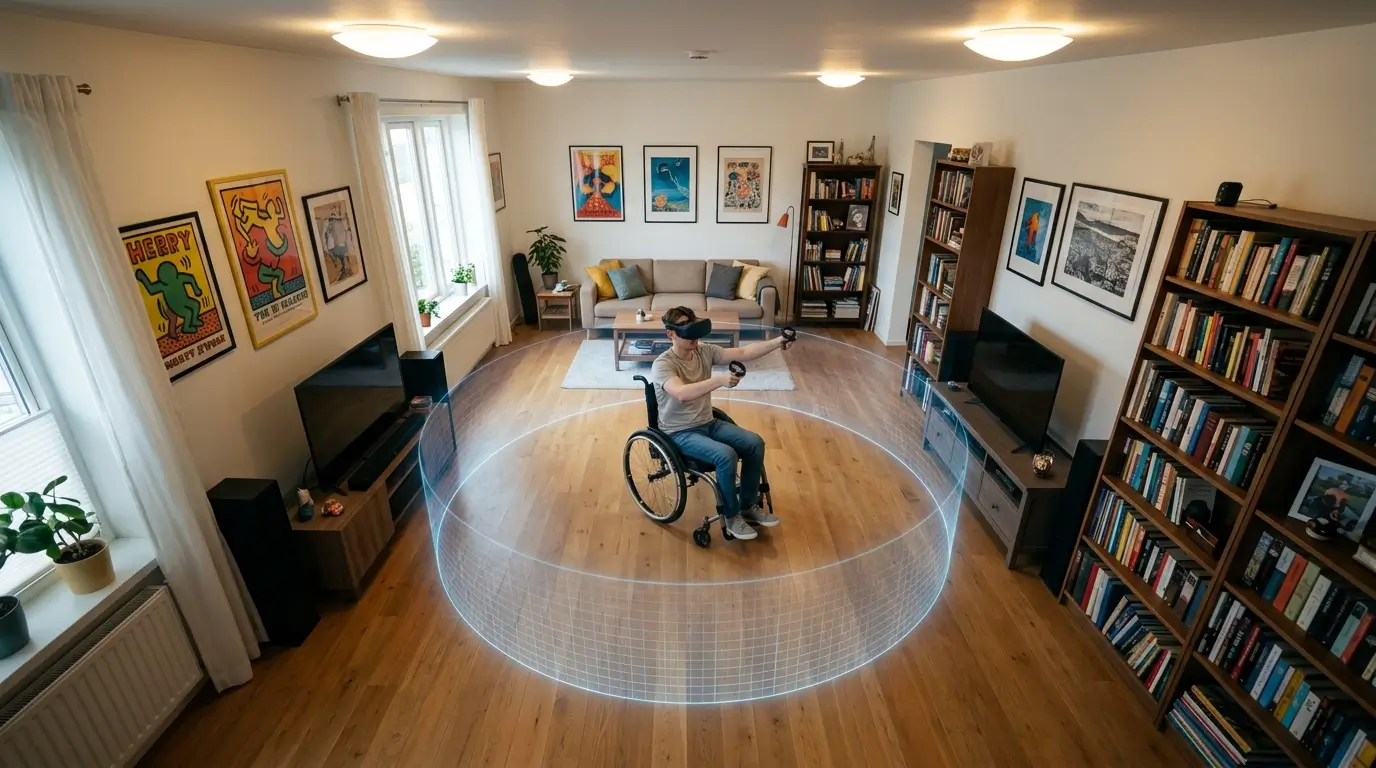
Drawing a safe play area looks entirely different when you are rolling instead of pacing. The standard room scale setup assumes you will walk around the floor. You need to select the stationary boundary option instead.
Also Read: The Best Keyboard Shortcuts List for People With Arthritis 2026
This creates a fixed virtual cylinder around your chair. Modern headsets let you dial down the sensitivity of this digital wall so it does not constantly flash a red grid when you merely stretch your arms out to grab a virtual object. You must clear the physical area right next to your armrests before launching a game.
Smashing a plastic controller into a metal push rim hurts your fingers and risks breaking expensive hardware. I always map my boundary about a foot wider than my actual physical reach just to give myself a tiny safety buffer during intense action sequences.
Configure Height Adjustments to Nail Budget Friendly VR Gaming Basics for Wheelchair Users
Playing a game meant for someone standing six feet tall feels terrible when the virtual floor sits right under your chin. Luckily developers finally realized seated players exist. You absolutely must look for the seated mode toggle in both the main headset settings and individual game menus. This feature automatically boosts your in game height so you can look standing players in the eye and reach items resting on high virtual shelves.
Some games call this an artificial crouch toggle or a height offset slider. Pushing that slider up means you never have to strain your lower back trying to pick up a dropped magazine. Always read the game description for seated play support before paying. You waste money quickly by grabbing titles that force you to reach all the way down to your real floor.
Secure Your Controllers Against Accidental Drops
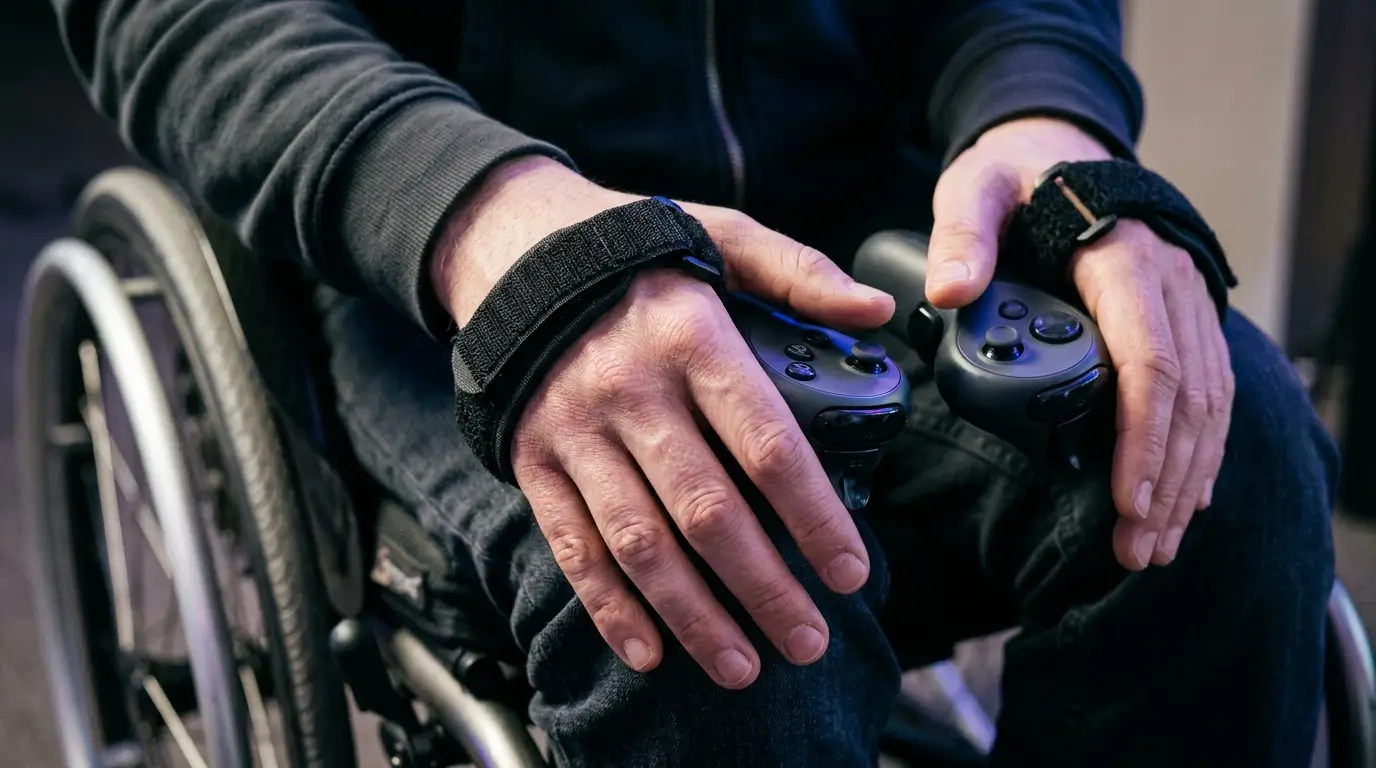
Dropping a controller while seated can halt your gaming session instantly if it rolls completely out of reach. The standard flimsy wrist strings included with most headsets barely do the job. You should spend ten bucks on a set of custom knuckle grips. These velcro straps hold the controller securely against your palm even when you completely open your hand to throw a digital weapon. This tiny purchase prevents massive daily frustration.
Trying to fish a plastic controller out from underneath your wheels while wearing a headset is incredibly annoying and slightly dangerous. Knuckle grips also reduce hand fatigue since you do not have to squeeze the plastic handle continuously. Your hands stay fully relaxed between actions. Finding cheap third party grips takes two minutes and completely changes how long you can play comfortably.
Manage Battery Life Without Tangled Cords
A big part of mastering budget friendly vr gaming basics for wheelchair users involves extending play time without buying premium accessories. Standalone headsets usually die after about two hours of continuous action. Buying an official battery head strap costs a ridiculous amount of money. You can achieve the exact same result by throwing a cheap portable power bank into your pocket or securing it directly to the back of your chair.
Run a short charging cable straight up to the headset. Route the cable up your back and secure it loosely to your shirt collar with a simple binder clip. This prevents the cord from catching in your spokes or wrapping around your armrests when you twist your torso. You get hours of extra playtime for the price of a standard phone charger.
Hunt Down Accessible Games Without Spending Much
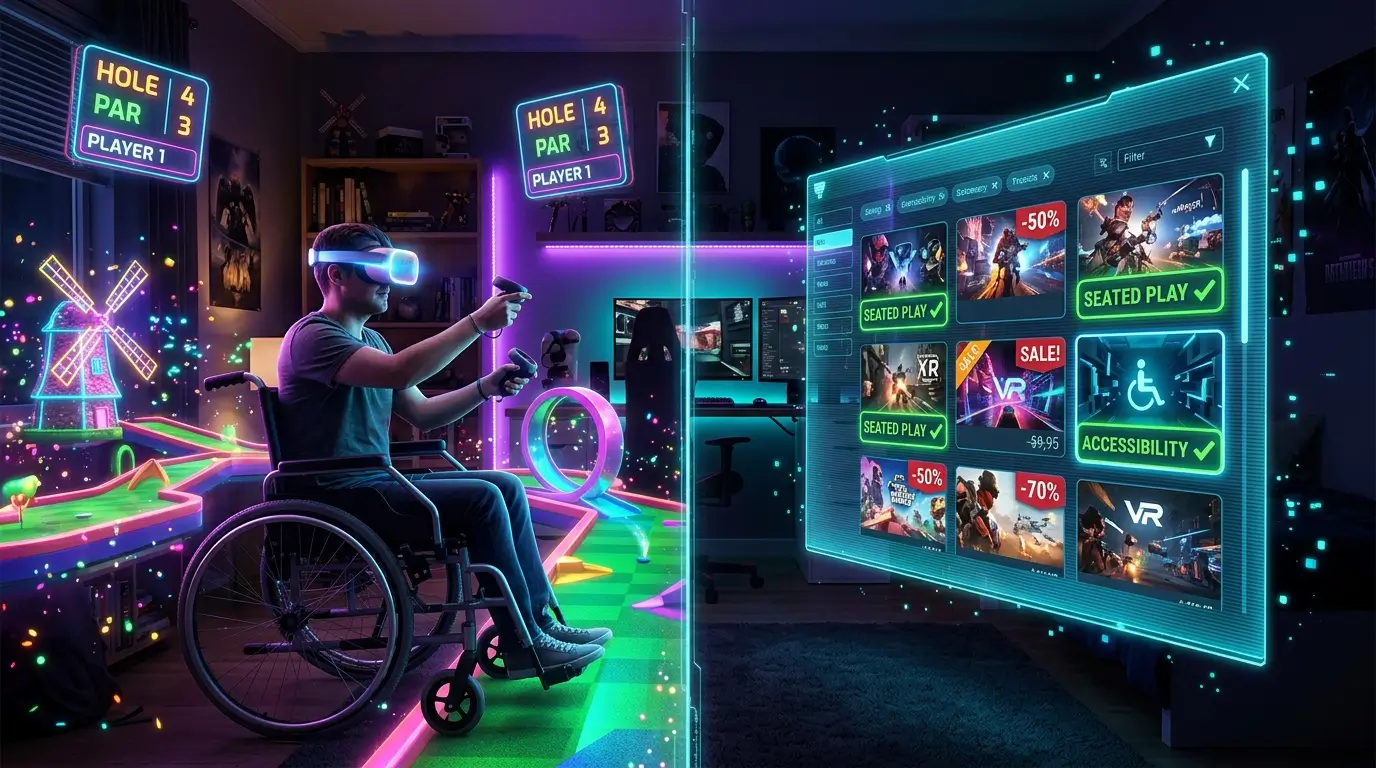
Finding great software without spending money keeps your new hobby highly affordable. You can start with completely free social platforms like Rec Room or VRChat. Both offer fantastic seated modes and let you play thousands of user created mini games. If you want premium paid games wait for seasonal sales on the digital storefront. Games like Walkabout Mini Golf or Beat Saber often drop in price heavily and offer extensive accessibility options.
Walkabout actually lets you adjust the angle of your putter specifically for seated swinging. You should always read user reviews focusing on accessibility before spending hard earned cash. The community does a great job warning people if a specific puzzle requires physically walking across a room. Sticking to highly rated seated experiences ensures your money goes toward games you can actually finish.
Beat Motion Sickness Using Cheap Tricks
Feeling nauseous destroys the magic of virtual reality faster than anything else. Artificial locomotion messes with your brain because your eyes see movement but your inner ear feels perfectly still. Implementing budget friendly vr gaming basics for wheelchair users means fixing this issue without buying weird medications or expensive acupressure bands. Pointing a regular oscillating box fan directly at your face while you play works absolute wonders.
The physical breeze grounds your brain in reality and helps you orient yourself in the physical room. You must also turn on snap turning in every single game menu. Smooth turning spins the camera like a joystick on a television screen and will make you sick instantly. Snap turning rotates your view in instant sharp increments. Start with short fifteen minute sessions and take the headset off immediately if you feel dizzy.
Optimize Your Physical Play Environment
Lighting and physical space heavily impact how well your hardware tracks your hand movements. Cheap headsets use external cameras to read your surroundings. If your room is too dark the cameras lose track of the controllers entirely and your virtual hands will float away into space. You just need a standard bright overhead light turned on.
Avoid playing directly facing a completely bare white wall or a massive mirror. The external cameras need visual landmarks like posters or furniture to understand exactly where you are positioned. Place your chair directly in the center of your room so you have equal swinging distance on both sides. Taking five minutes to ensure your play space is brightly lit and clear of low hanging lamps saves you from annoying tracking glitches that ruin competitive multiplayer matches.
Frequently Asked Questions
Do you need a PC to play virtual reality games?
You absolutely do not need a computer. Modern standalone headsets process everything internally. You simply connect the device to your home internet connection to download games. This keeps costs incredibly low and completely eliminates the need for expensive gaming rigs and messy floor cables.
Can I play fitness games while sitting down?
Yes. Many fitness apps feature dedicated seated workout routines. Titles focusing on boxing or arm movements translate perfectly to a chair. You get a fantastic upper body workout without needing foot tracking. Just ensure your wheels are fully locked before throwing any heavy punches.
What are the best budget friendly vr gaming basics for wheelchair users regarding multiplayer?
Social applications offer the best free multiplayer experiences available. Platforms like VRChat cost nothing to download and feature robust accessibility settings. You can use artificial locomotion to move your avatar and socialize with people globally without spending a single dime on subscription fees.
How do I stop my headset lenses from fogging up?
Body heat gets trapped inside the facial interface during active games. You can stop lens fog by letting the headset warm up on your forehead for a few minutes before pulling it down over your eyes. A small desktop fan blowing nearby also provides great ventilation.
Are third party headset accessories safe to use?
Quality third party accessories work exceptionally well and save you massive amounts of cash. Brands selling replacement face pads or rigid head straps online usually provide the exact same functionality as official products. Always check customer reviews to ensure the plastic components hold up under daily stress.
Conclusion
Getting into virtual reality does not require emptying your bank account or dealing with frustrating hardware limits. Setting up a comfortable seated play space just takes a little creativity and the right software tweaks. What virtual world are you planning to jump into first?




One thought on “Budget Friendly VR Gaming Basics for Wheelchair Users 2026”