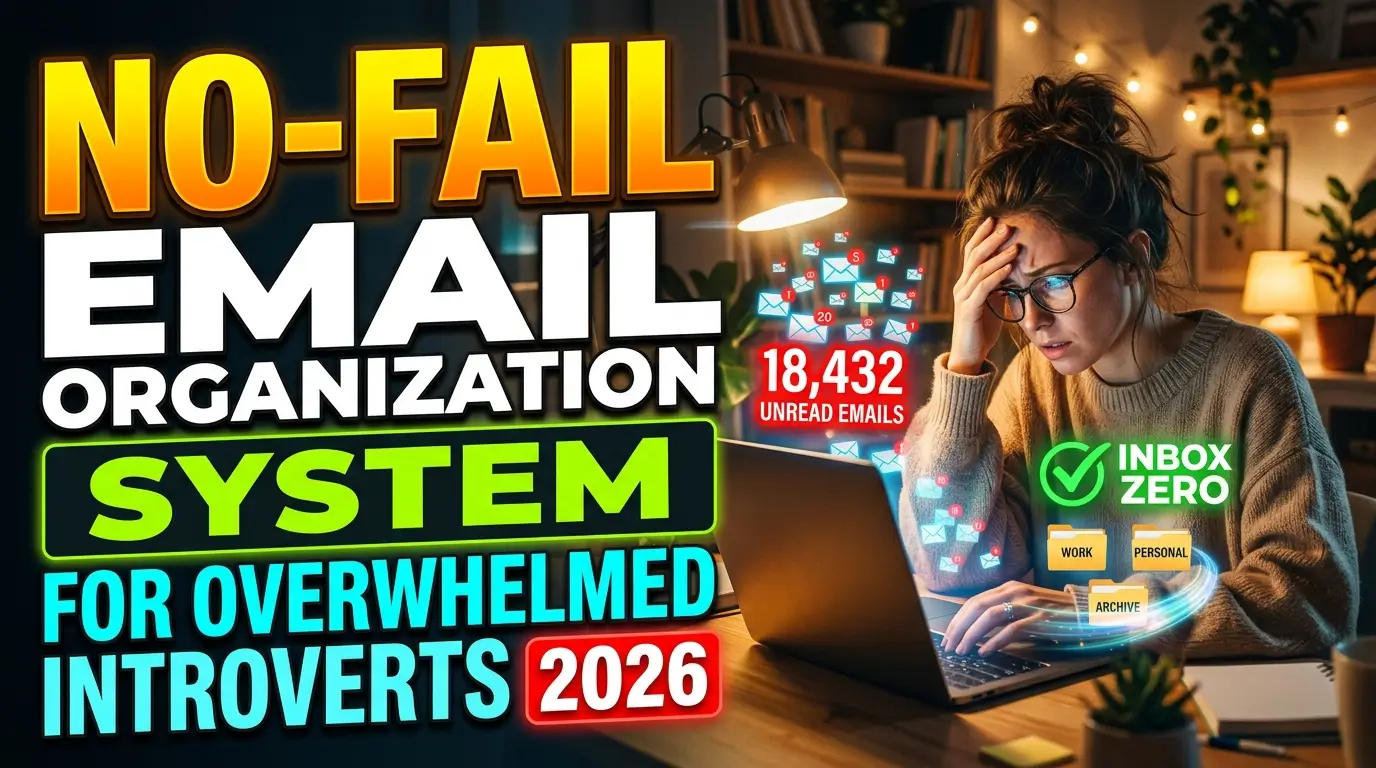
No-Fail Email Organization System For Overwhelmed Introverts 2026
Finding a no-fail email organization system for overwhelmed introverts felt impossible until I stopped fighting my own personality. Opening my inbox used to trigger an instant physical reaction. Hundreds of unread messages demanded immediate attention, draining my social battery before the day even started. The noise was unbearable. I needed a quiet space to process messages on my own terms without letting important tasks slip through the cracks.
Setting Up Your No-Fail Email Organization System For Overwhelmed Introverts
Begin by stripping away the visual clutter. Most email clients default to a view packed with preview text, sidebars, calendar widgets, and flashy icons. This visual noise instantly spikes cortisol levels. Strip your view down to just the sender name and the subject line. By hiding the preview snippets, you prevent your brain from absorbing demands before you actually choose to open a message.
This small tweak shifts the power dynamic back to you. You are no longer reacting to a messy wall of text. You are looking at a clean list. Go into your settings right now and select the compact view. Disable the right-side reading pane completely.
Reading panes force you to look at content you might not be ready to process. A clean screen acts as a blank canvas, keeping your mind calm and focused. Hiding the reading pane completely changed my mornings. I no longer accidentally read stressful client requests while trying to find a meeting link.
Clearing Out The Unwanted Clutter Vigorously
Your next move involves ruthless pruning. Every promotional blast or guilt-tripping newsletter drains a tiny fraction of your willpower. Stop manually deleting these every morning. Unsubscribe from everything that does not bring you direct value, joy, or necessary information.
Use a service to bulk unsubscribe, or simply commit to hitting that tiny link at the bottom of ten promotional messages a day. Getting those out of your life reduces the sheer volume of decisions you make daily. Decision fatigue hits hard when you have a limited social battery. You want to save your energy for real human interactions, not for deciding whether you need fifteen percent off a rug. If you fear missing a sale, remind yourself that brands run sales constantly.
Creating a pristine environment requires keeping the marketers out of your personal space permanently. Reclaim your inbox as a tool for actual communication rather than a digital shopping mall.

Building Three Low-Pressure Action Folders
Sorting messages into a dozen specific categories creates unnecessary work. You only need three main folders to survive the daily influx: Needs Action, Awaiting Reply, and Reference. The moment you read an email, it goes into one of these three places. If a message requires you to do something, drop it into Needs Action.
Also Read: Simple Slide Software Tips for Managers Short on Time 2026
If you sent a question and need an answer back, file it in Awaiting Reply. Everything else that you just need to keep goes straight into Reference. This simple triage method prevents your primary inbox from doubling as a terrifying to-do list. Having fewer folders means less mental friction when deciding where a message belongs.
I used to maintain twenty different client folders and wasted hours dragging items around. Trimming down to three broad categories gave me my sanity back. Keep the system stupidly simple so you actually stick with it during busy weeks.
Silencing The Endless Notification Pings
Visual and audio alerts are the enemy of deep focus. Every ding or banner flashing across your screen pulls you out of your current task and forces an immediate context switch. Go into your phone settings right now and turn off all badge icons, lock screen alerts, and sounds for your mail app. Do the same thing on your desktop computer.
You should only see new messages when you intentionally open the app to look for them. Removing these triggers puts you completely in control of your response time. People rarely send truly urgent emergencies via standard mail. If the building is on fire, someone will call you. Shutting down push notifications protects your attention span from constant fracturing.
You will notice a massive drop in baseline anxiety once your phone stops buzzing every seven minutes with irrelevant updates. Treat your attention like the valuable resource it actually is.
Batch Processing Protects Your Mental Energy
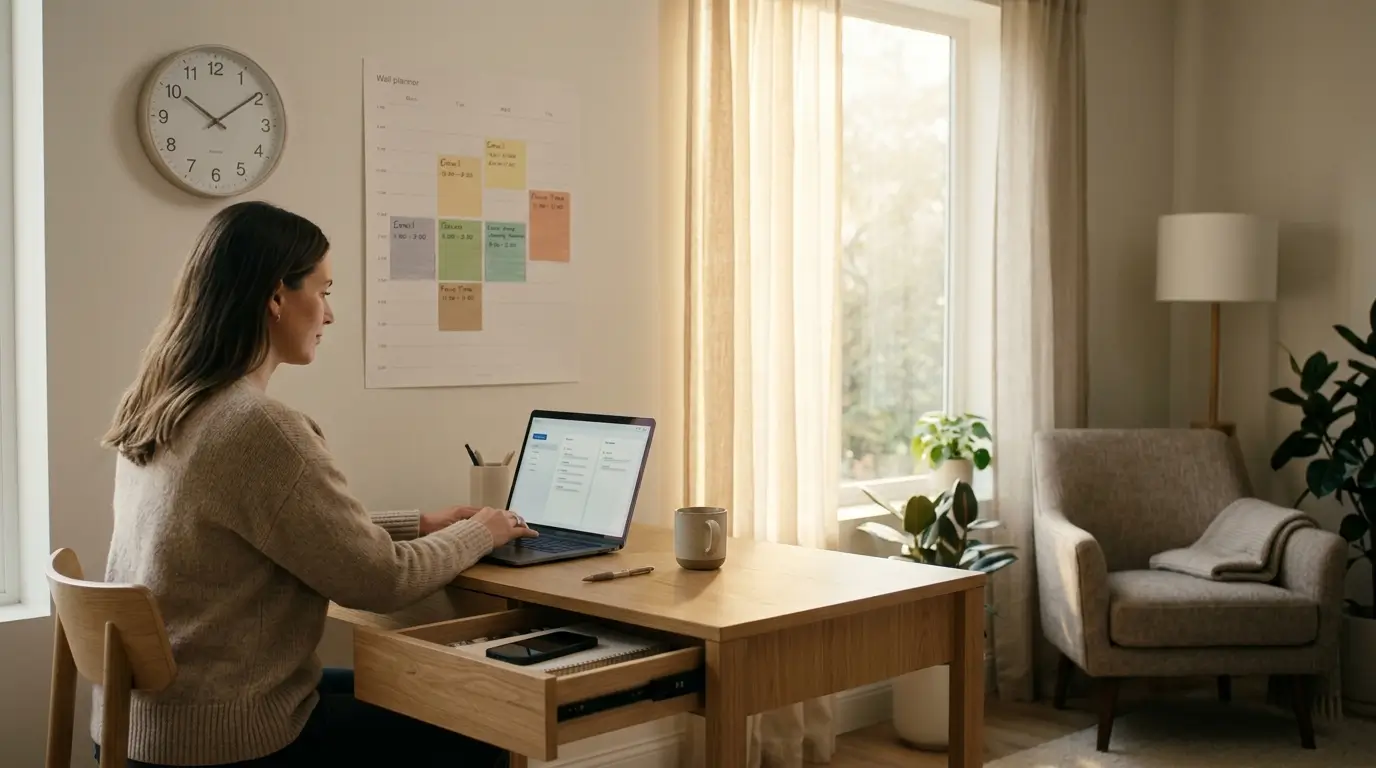
Constantly checking for new messages keeps your brain in a state of hyper-vigilance. Pick two specific times of day to handle correspondence. Morning and late afternoon work perfectly for most schedules. Block out twenty minutes at ten in the morning and another twenty minutes at four in the afternoon to process everything that accumulated.
During these windows, you open your app, reply to quick questions, file items into your three folders, and close the tab completely. Closing the tab matters immensely. If you leave the window open in the background, you will eventually wander back over to it. Limiting your availability creates a natural boundary between you and the demands of others.
You train your coworkers and clients to expect responses at predictable times rather than instantly. Setting this boundary is a core component of this no-fail email organization system for overwhelmed introverts. Protect your schedule fiercely.
Drafting Canned Responses For Social Friction
Typing out polite rejections or answering the same repetitive questions drains valuable energy. Create a master document of template responses for situations you face frequently. Draft polite ways to say no to meetings, standard answers for pricing inquiries, or quick updates for ongoing projects.
Save these inside the built-in canned responses feature of your provider or keep them in a simple notes app on your desktop. When someone asks you for a favor you cannot fulfill, you do not have to sit there sweating over the phrasing. You just paste your pre-written polite decline, hit send, and move on with your life.
Having these ready removes the emotional heavy lifting from digital communication. You avoid the dread of composing a delicate message from scratch every single time. Templates act as a protective buffer between your energy reserves and the outside world.
Routing Subscriptions With Automatic Rules
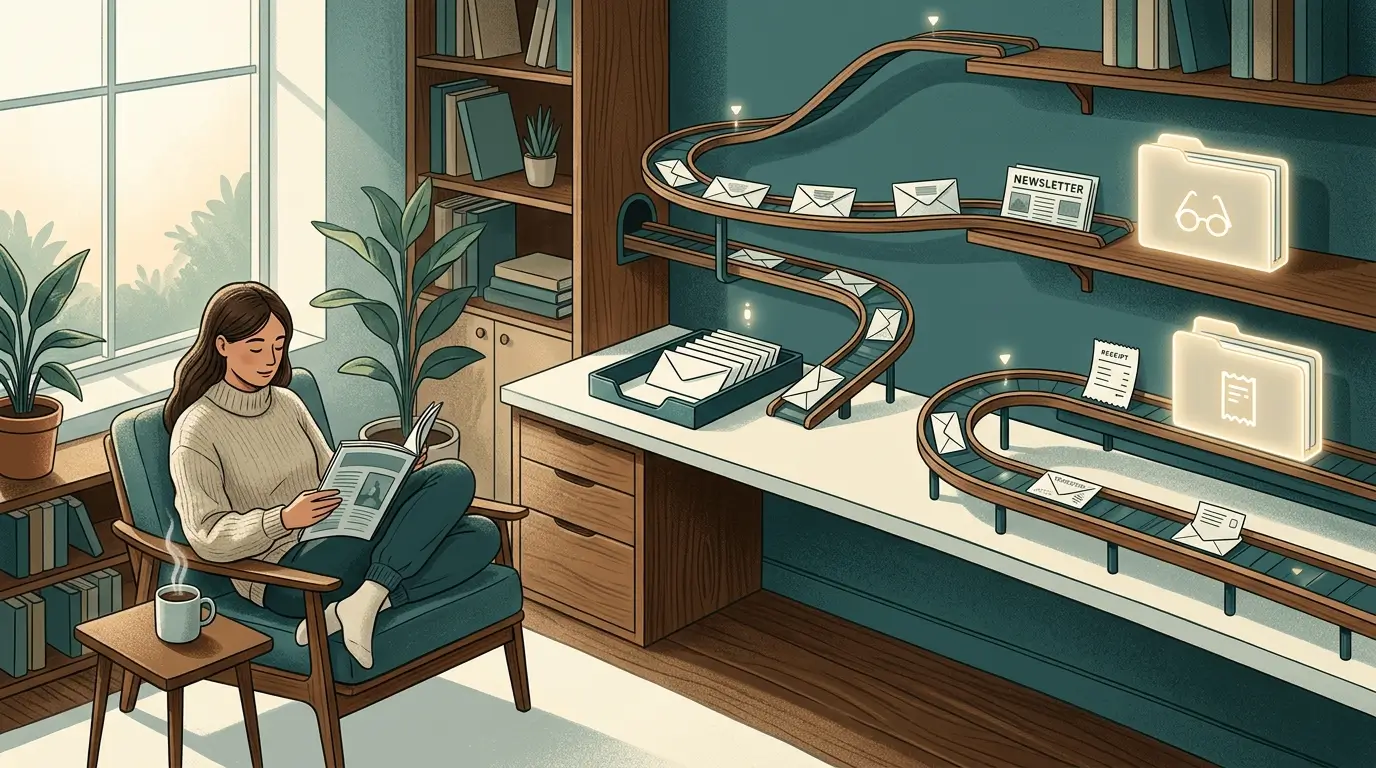
Some automated messages still hold value, but they do not belong in your primary view. You might want to read a specific industry newsletter or track receipts for business expenses. Set up strict filtering rules to handle these automatically. Tell your mail client to skip the inbox entirely and send those specific senders straight to a dedicated Reading or Receipts folder.
You can browse through your Reading folder on a Saturday morning with a cup of coffee, totally separate from your workday stress. Automating this step removes the friction of manual sorting. The software does the heavy lifting before you even wake up. A truly no-fail email organization system for overwhelmed introverts uses technology to filter out the noise before it reaches your eyes.
Let the algorithms do the sorting so you can preserve your mental bandwidth for actual work. You will feel lighter instantly.
Enforcing The Friday Afternoon Inbox Pause
Closing out the workweek properly sets the tone for your entire weekend. Use the last thirty minutes of your Friday workday to hit zero unread messages. Process everything remaining in your main view into your three folders. If a task requires a massive reply, schedule a drafted response to send on Monday morning instead of ruining your Friday evening.
Using the schedule send feature is an absolute lifesaver. You get the task off your plate, but you do not invite an immediate reply that you have to deal with over the weekend. Shut down the application entirely once the primary view is empty. You leave your desk knowing exactly what is waiting in your Needs Action folder for Monday.
This ritual severs the mental tether to your work, allowing you to actually recharge your social batteries during your days off. Leave work at work.
Maintaining Your Sanity Over Time
No framework runs perfectly without occasional upkeep. Once a month, take ten minutes to review your folders and clear out old junk. Delete the resolved threads from your Awaiting Reply folder. Archive older tasks from your Needs Action file that you already completed. This quick maintenance session keeps the digital weight from creeping back up.
You will occasionally fall behind during a chaotic week, and that is perfectly fine. The beauty of this specific no-fail email organization system for overwhelmed introverts is how quickly you can reset it. You just start over with batch processing and triage. Do not beat yourself up if you miss a few days. Just sweep the old messages into a giant archive folder and begin again with a clean slate. Perfection is never the goal. Peace of mind is the only metric that matters when building a sustainable routine.

FAQs
How do I handle sudden emergencies if I only check messages twice a day?
True emergencies rarely happen via your inbox. If a situation requires an instant response, people will call or text you directly. Communicate your new checking schedule to your core team so they know how to reach you for urgent matters. This protects your boundaries perfectly.
Will a no-fail email organization system for overwhelmed introverts work for personal accounts?
Absolutely. You can apply the exact same triage rules and folder structures to your personal accounts. Hiding promotional junk and muting notifications works just as well for family messages as it does for client requests. The goal is reducing mental clutter everywhere.
What should I do with thousands of old unread messages?
Declare bankruptcy on them. Create a folder named “Old Archive” and move every single message older than two weeks into it. If something was truly important, the sender will follow up with you. Start fresh today instead of trying to process three years of backlog.
How long does it take to build this habit?
Most people adjust to the new workflow within two weeks. The hardest part is breaking the muscle memory of constantly opening the app on your phone. Once you experience the quiet relief of a clean workspace, you will never want to go back.
Can I use more than three folders if I manage multiple projects?
You can, but proceed with caution. Adding folders creates more decision points, which increases mental fatigue. Try using tags or labels for specific projects while keeping the main three folders for your actual workflow. Keep the visual sorting process as simple as possible.
Conclusion
Taking control of your digital communication changes your entire daily routine. You deserve a quiet workspace that respects your energy limits and allows you to focus deeply. Give this method a try on Monday morning and let me know how much time you save.