Quick Online Safety Tips for Anxious Internet Beginners 2026
Finding quick online safety tips for anxious internet beginners usually feels like trying to read a very scary foreign language. You hear endless warnings about data breaches, phishing scams, and stealthy malware. This makes simply checking email feel like walking through a dangerous neighborhood at midnight. The truth is actually much less terrifying. You can completely protect yourself online without becoming a paranoid tech expert.
1. Set Up Two-Factor Authentication Everywhere
Adding an extra step to your login process sounds annoying at first. Two-factor authentication requires you to enter a code sent to your phone after typing your password. This acts as a massive deadbolt on your digital front door.
Hackers cannot get into your accounts even if they somehow steal your password. Turn this feature on for your bank, email, and social media platforms immediately. You will sleep much better knowing two-factor authentication is standing guard.
2. Create Passwords That Look Like Sentences
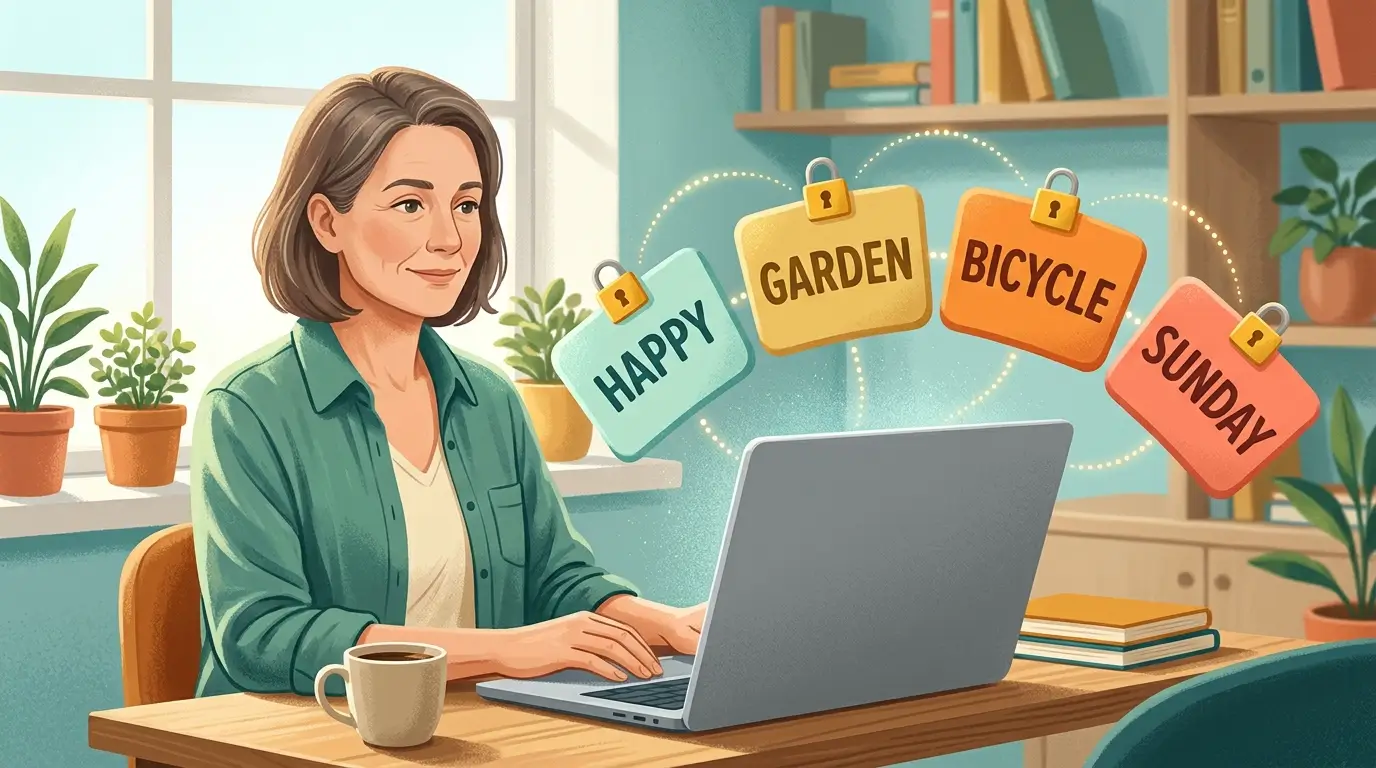
Forget about trying to memorize random strings of letters, numbers, and symbols. The most secure method is to combine four or five random words into a long passphrase. Think of something odd like “Blue Coffee Table Jumping Dog” to keep your accounts locked down.
Computers take centuries to guess these long passphrases. They are incredibly strong against automated hacking attempts while remaining easy for your human brain to recall. This simple shift stops brute force attacks completely.
3. Use a Reliable Password Manager
Trying to remember different passphrases for every single website creates a huge amount of stress. A password manager solves this by generating, storing, and auto-filling your login details securely. You only have to memorize one master password to unlock your entire digital vault.
Tools like Bitwarden or 1Password encrypt your data locally before it ever reaches the internet. I recommend downloading one as an app on your phone and an extension on your computer browser. This completely eliminates the anxiety of forgetting your login credentials.
4. Learn to Spot Fake Links Before Clicking
Scammers constantly send emails or texts claiming your account is locked or a package is delayed. They want you to panic and click the link without thinking. Always hover your mouse over a link before you click to see where it actually goes.
If the website address looks misspelled or ends in strange letters, close the message immediately. You can always open a fresh browser window and type the real website address yourself to check your account status. Taking three extra seconds here prevents disastrous mistakes.
5. Keep Your Devices and Apps Updated
Those constant software update notifications popping up on your screen are actually your best friends. Software companies release these patches specifically to fix newly discovered security flaws. Ignoring them leaves the back door wide open for hackers to sneak inside.
Set your smartphone, tablet, and computer to install updates automatically overnight. You will wake up to a more secure device without having to lift a finger. This effortless habit acts as an invisible shield against the latest viruses.
6. Ignore Unsolicited Tech Support Calls
Nobody from Microsoft, Apple, or Google will ever call you out of the blue to fix a virus. These scammers rely on fear to trick you into granting them remote access to your computer. They often claim your machine is sending out malicious signals and demand immediate payment.
Simply hang up the phone the second you hear a pitch like this. Real tech companies do not operate call centers that monitor personal laptops for viruses. If you are worried about your machine, run a scan using Windows Defender or Malwarebytes instead.
7. Shop Only on Secure Websites
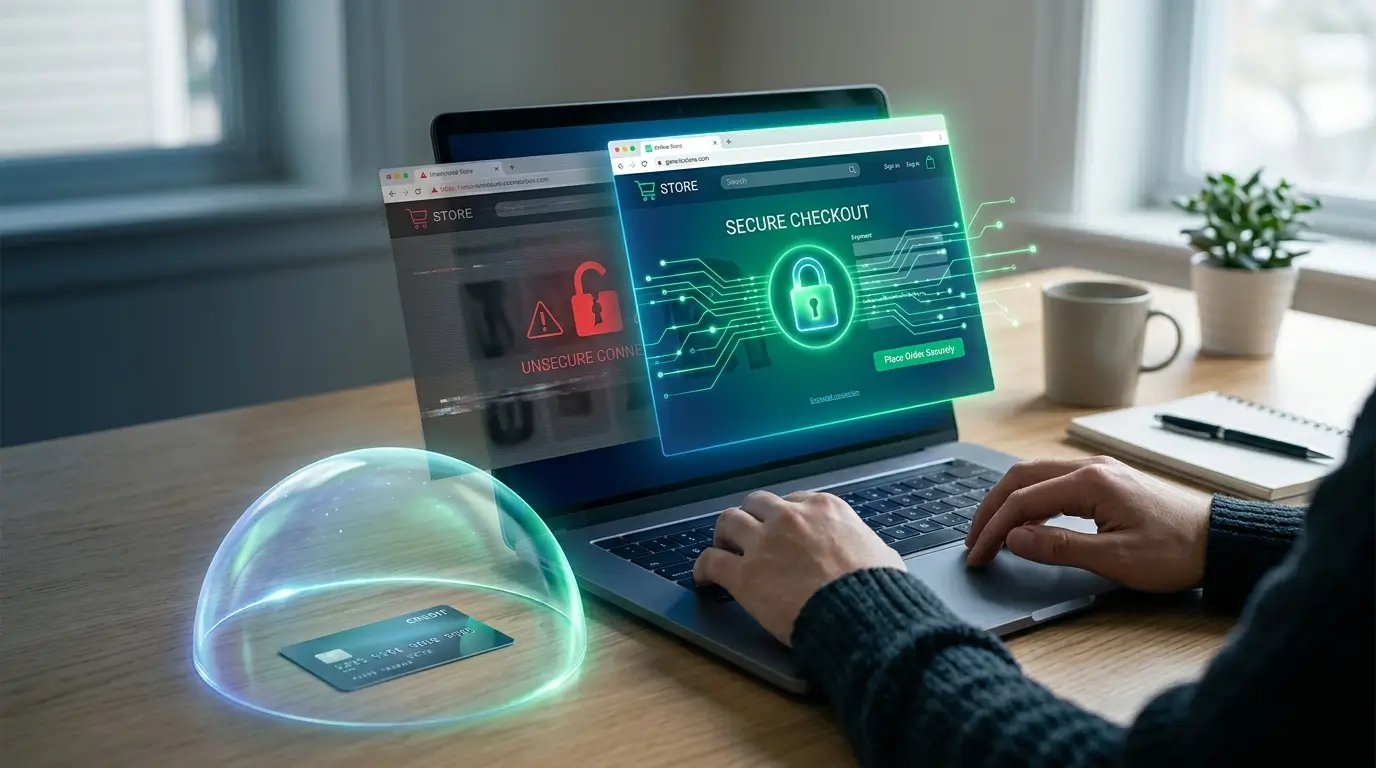
Typing your credit card number into a sketchy online store is a guaranteed way to invite fraud. Always check the top of your web browser to ensure the website address starts with HTTPS rather than just HTTP. That extra letter signifies that the connection between your computer and the store is encrypted.
Stick to well known retailers if you feel nervous about buying from a new brand. You can also use a third party payment system like PayPal to check out. This keeps your actual credit card details hidden from the merchant completely.
8. Limit What You Share on Social Media
Posting details about your daily routine or upcoming vacation plans gives strangers far too much ammunition. Identity thieves routinely scrape Facebook and Instagram for clues to answer your account security questions. Keep your pet names, mother’s maiden name, and hometown off your public feeds.
Also Read: Wireless Charging Explained for Busy Travelers 2026
Check your privacy settings and ensure only accepted friends can view your personal updates. You should also wait until you return home from a trip before posting those beautiful beach photos. Oversharing is one of the easiest ways to compromise your digital safety without realizing it.
9. Apply Quick Online Safety Tips for Anxious Internet Beginners on Public Wi-Fi
Connecting to free wireless internet at the coffee shop or airport comes with serious hidden risks. Cybercriminals often lurk on these open networks to snoop on unencrypted traffic. You must apply quick online safety tips for anxious internet beginners on public Wi-Fi to stay protected.
Never log into your bank or enter credit card information while sitting on a public network. If you must check sensitive accounts, disconnect from the Wi-Fi and use your cellular data instead. A Virtual Private Network is another excellent tool to encrypt your activity on the go.
10. Turn On Automatic Cloud Backups
Worrying about losing all your family photos or important documents to a sudden virus is awful. Setting up an automatic backup system guarantees you never lose your precious files. Services like Google Drive, iCloud, or Dropbox save copies of your data quietly in the background.
You can restore your entire computer from the cloud if a hacker ever locks you out of your hard drive. This removes the leverage ransomware attackers try to use against victims. Paying a few dollars a month for extra storage is absolutely worth the peace of mind.
11. Freeze Your Credit If You Suspect Trouble
A credit freeze is the ultimate defense against identity theft happening in your name. This prevents anyone from opening new credit cards or securing loans using your social security number. You can easily unfreeze it temporarily when you need to apply for an apartment or buy a car.
Contact the three major credit bureaus online to lock your files for free. Taking this step puts a solid brick wall between your finances and potential scammers. It remains one of the best quick online safety tips for anxious internet beginners worried about financial ruin.

12. Trust Your Gut When Something Feels Off
Your intuition is often your strongest defense mechanism against digital deception. If an email, text message, or website feels incredibly urgent or slightly strange, stop what you are doing. Scammers rely heavily on creating artificial panic to make you act carelessly.
Step away from your screen for five minutes and take a deep breath. Asking a trusted friend or family member for a second opinion often breaks the spell of a clever scam. Legitimate companies will never demand immediate action under the threat of arrest or immediate account deletion.
13. Block and Report Suspicious Senders
Ignoring junk mail is not always enough to stop relentless digital pests from bothering you. Taking a moment to actively block suspicious email addresses prevents them from reaching your inbox again. Most modern email providers make this process incredibly simple with a single click.
You should also mark these messages as spam to help train your email provider’s filtering system. This community effort protects other users from receiving the exact same fraudulent message. Cleaning up your inbox directly lowers your daily stress levels.
14. Review Your App Permissions Regularly
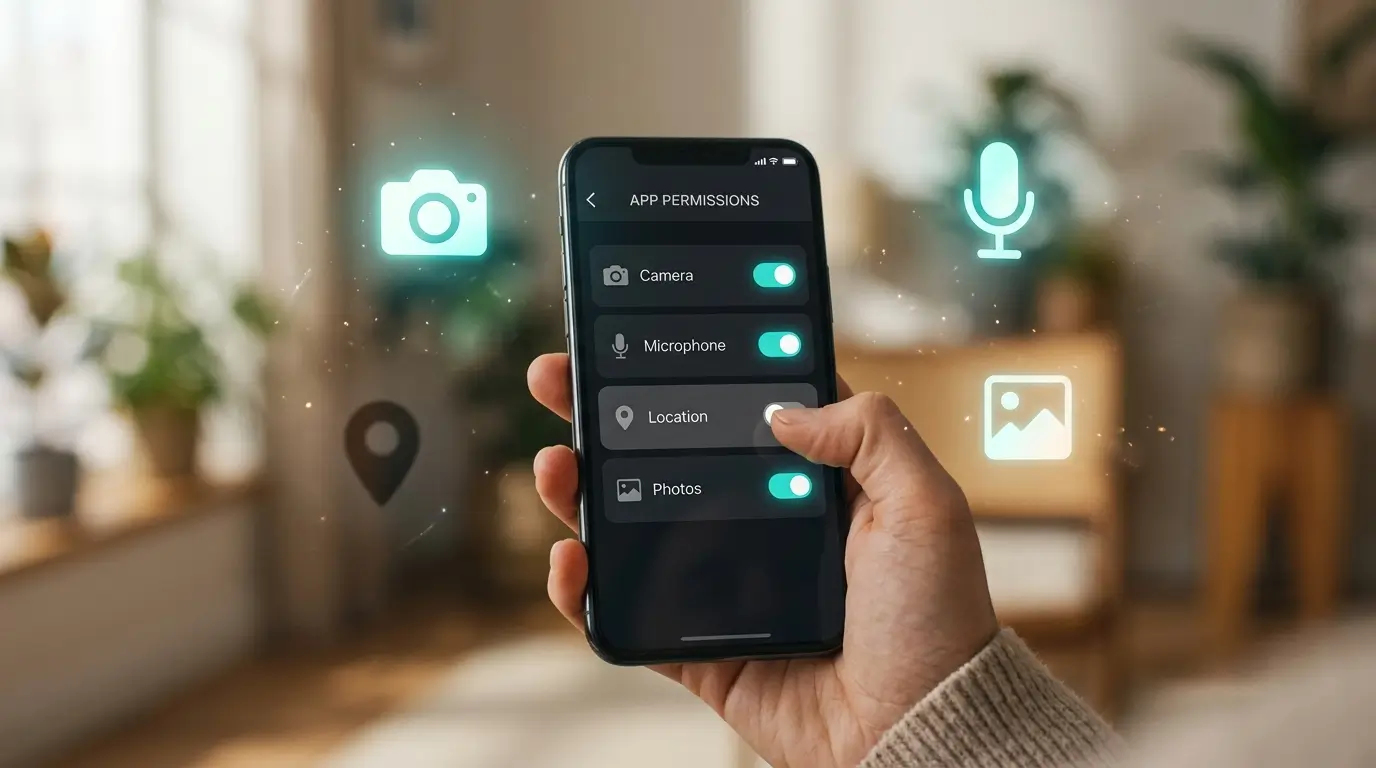
Many smartphone applications ask for access to your camera, microphone, or location data during installation. We usually just hit accept without reading because we want to use the app right away. Leaving these permissions open forever poses a subtle privacy risk over time.
Open your phone settings and look at the permissions list for your downloaded apps. A flashlight app definitely does not need constant access to your GPS location. Turning off unnecessary tracking keeps your personal data safely locked away from advertisers.
15. Check Your Accounts for Unknown Devices
Sometimes someone manages to guess your password and logs into your account silently. You can easily catch these intruders by checking the security settings on major platforms like Google and Facebook. These sites provide a simple list showing every device currently connected to your profile.
If you see a phone or computer you do not recognize, click the button to log that device out immediately. Then change your password right away to lock the intruder out permanently. Doing this quick check every few months is a fantastic habit.
Frequently Asked Questions
Are free antivirus programs actually safe to use?
Many free options provide excellent baseline security for everyday browsing. Brands like Avast or AVG offer reliable scanning features without charging a monthly fee. Just be careful to download them directly from the official company website to avoid fake versions bundled with unwanted junk files.
What is the single best habit for digital security?
Activating two-factor authentication on every major account stands out as the ultimate defense. Even if someone steals your master password, they cannot bypass the secondary code sent to your mobile device. This simple barrier stops the vast majority of unauthorized access attempts cold.
How often do I really need to change my passwords?
You only need to update your login credentials if you suspect a breach or if a company announces a security incident. Constantly changing them actually leads to weaker choices over time. Creating one long, unique passphrase per account is much better than updating them monthly.
Do Macs get viruses or just Windows PCs?
Apple computers absolutely face malicious software threats today. While Windows machines historically saw more attacks due to their larger market share, hackers now target macOS environments regularly. You must apply quick online safety tips for anxious internet beginners regardless of which computer brand sits on your desk.
Is it risky to save my credit card on shopping sites?
Keeping payment details stored on massive retailer servers does carry slight risks if they suffer a massive data breach. Typing your numbers manually for each purchase is significantly safer. Using a digital wallet like Apple Pay also protects your real card numbers during checkout.
Conclusion
Taking control of your digital life does not require a degree in computer science. Building a few simple habits creates an incredibly strong shield against the most common threats out there. Which security step are you going to tackle first today?


One thought on “Quick Online Safety Tips for Anxious Internet Beginners 2026”